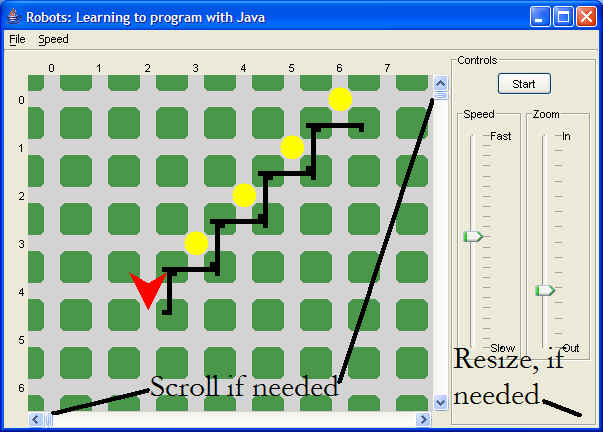
How to do a screen shot.
| 1. | Make sure that the entire object you want to capture is
visible. You may have to resize the window or move it into a better
location.
|
| 2. | Make sure that the window you wish to print has the focus (is selected, click on it!) |
| 3. | Press the Alt - Print Screen (PrtSc) keys. This will copy
the selected window to the computer's clipboard.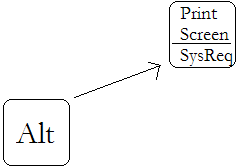 |
| 4. | Move to some application where you can paste the picture (Ctrl-V) and then print it. |